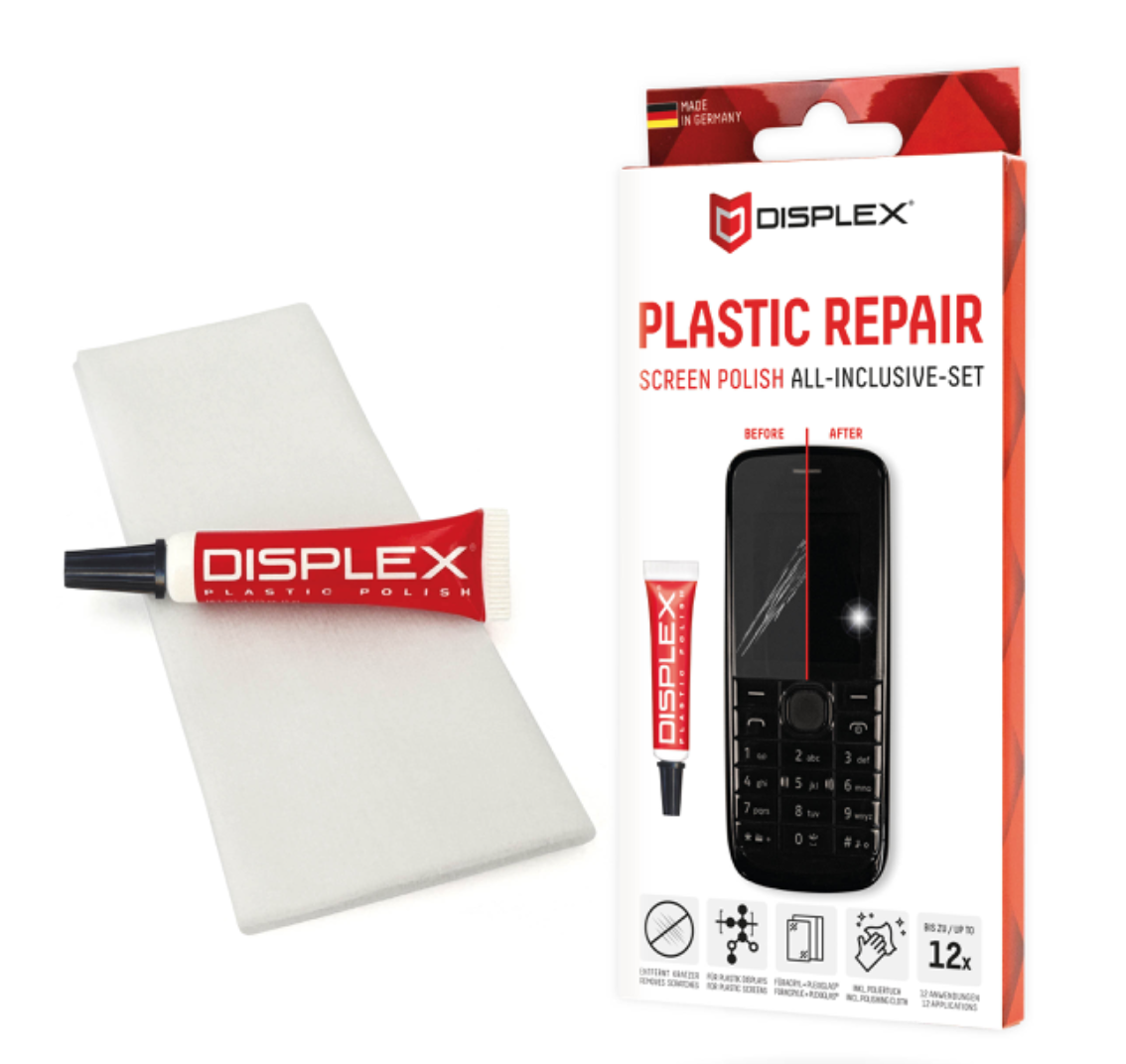
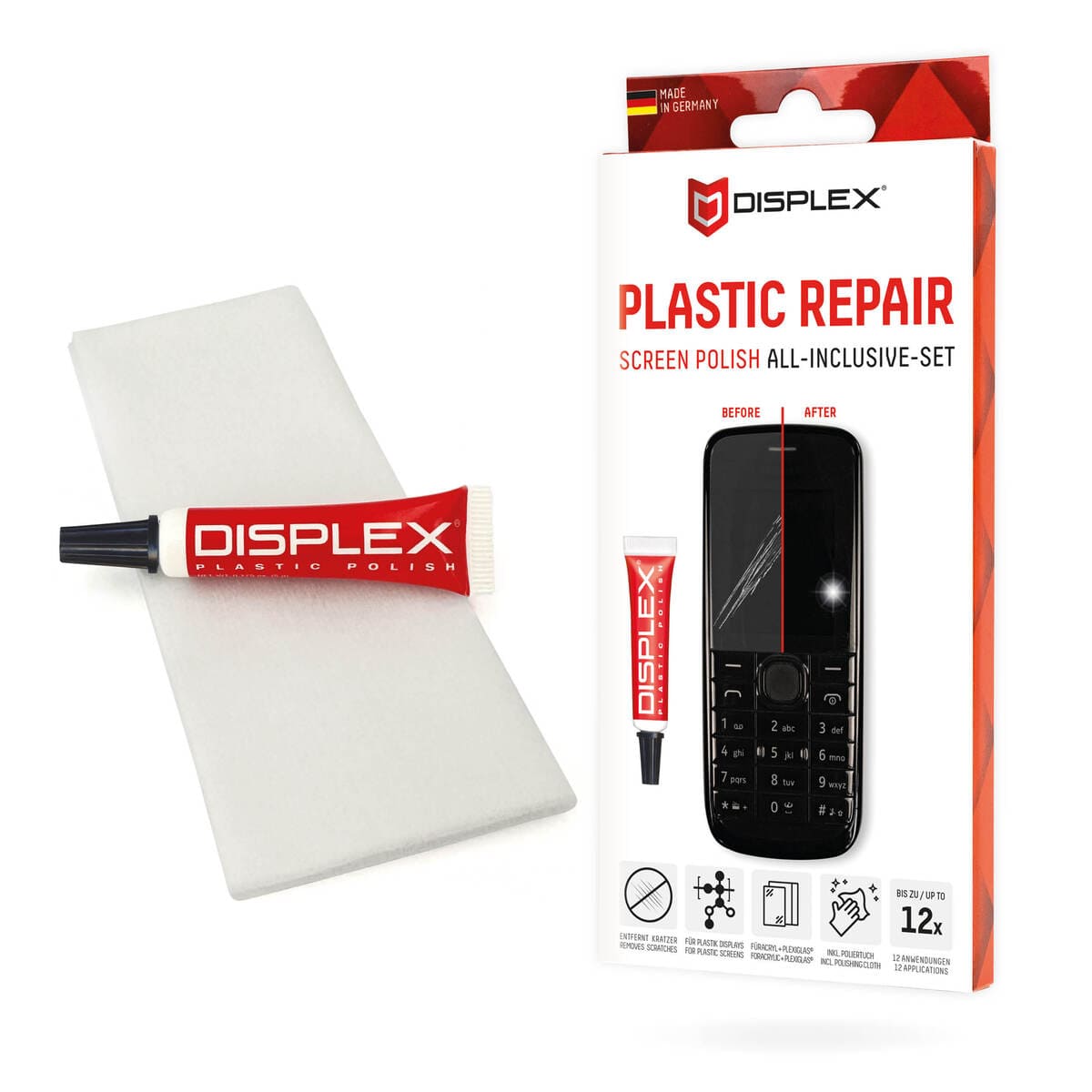
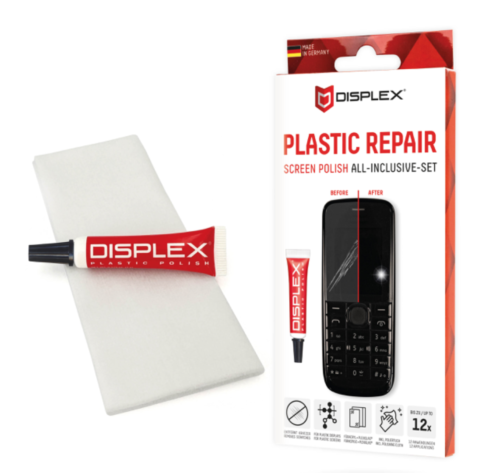
DISPLEX Scratch Repair Paste for Plastic Displays
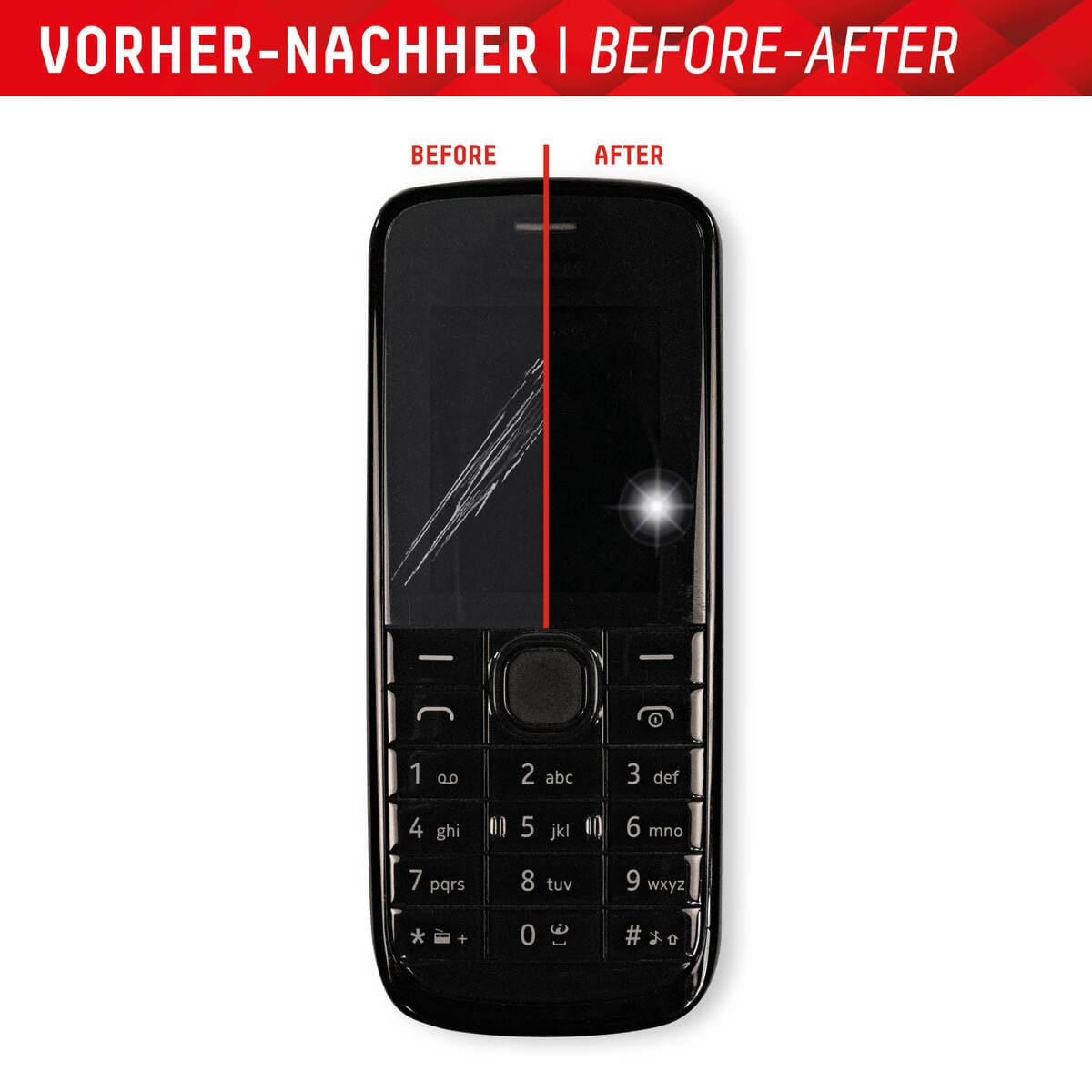
Revitalize the appearance of your device’s display with DISPLEX Scratch Repair Paste, a specialized polishing solution crafted for uncoated plastic surfaces, including plastic, acrylic, and Plexiglas®. This effective paste works to diminish scratches and surface imperfections, enhancing clarity and restoring a fresh look to your screens. It is perfect for use on devices such as smartphones, MP3 players, and handheld gaming consoles with non-touch displays.
Key Features
- Specially formulated for uncoated plastic displays
- Reduces visible scratches and improves screen clarity
- Easy to apply with a DIY approach
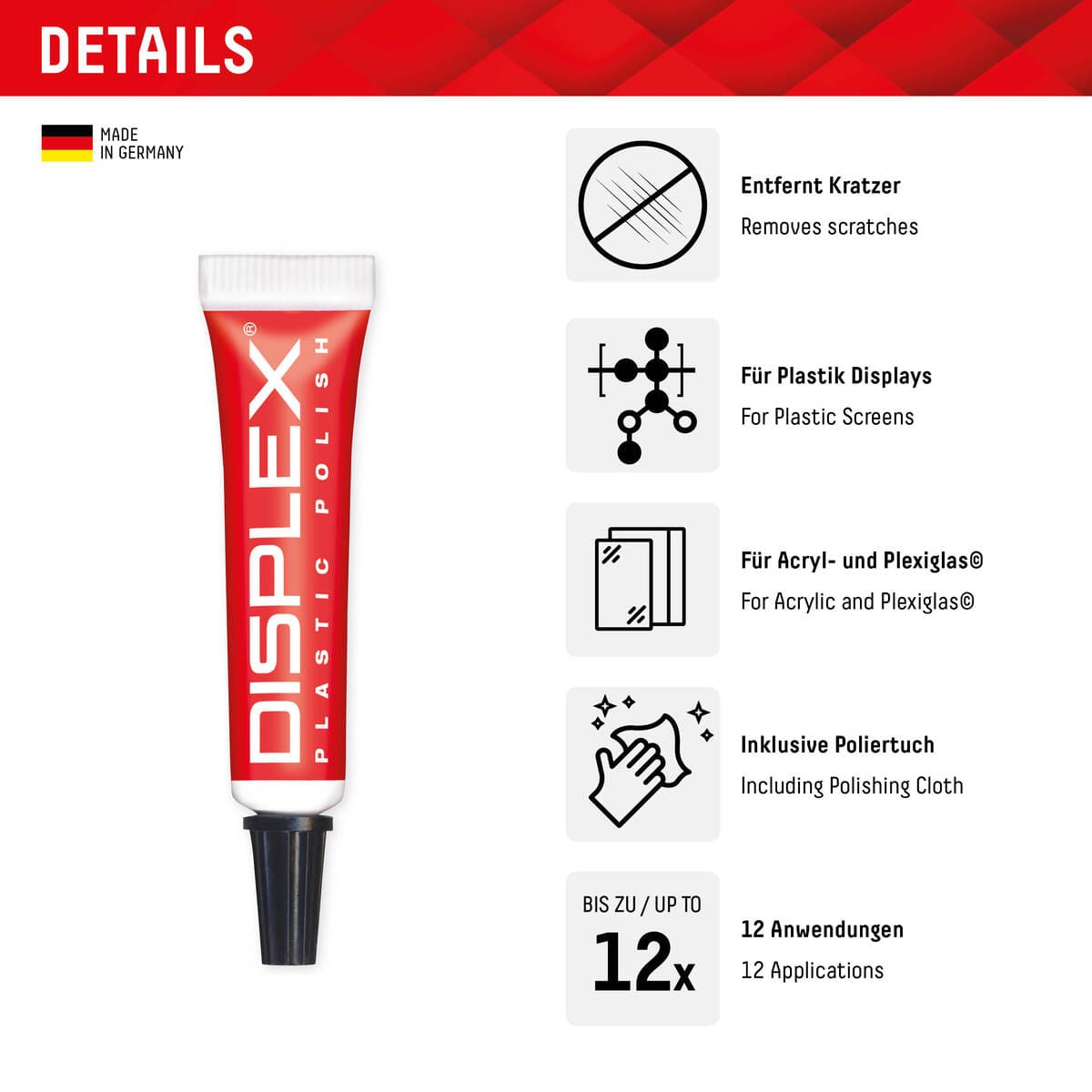
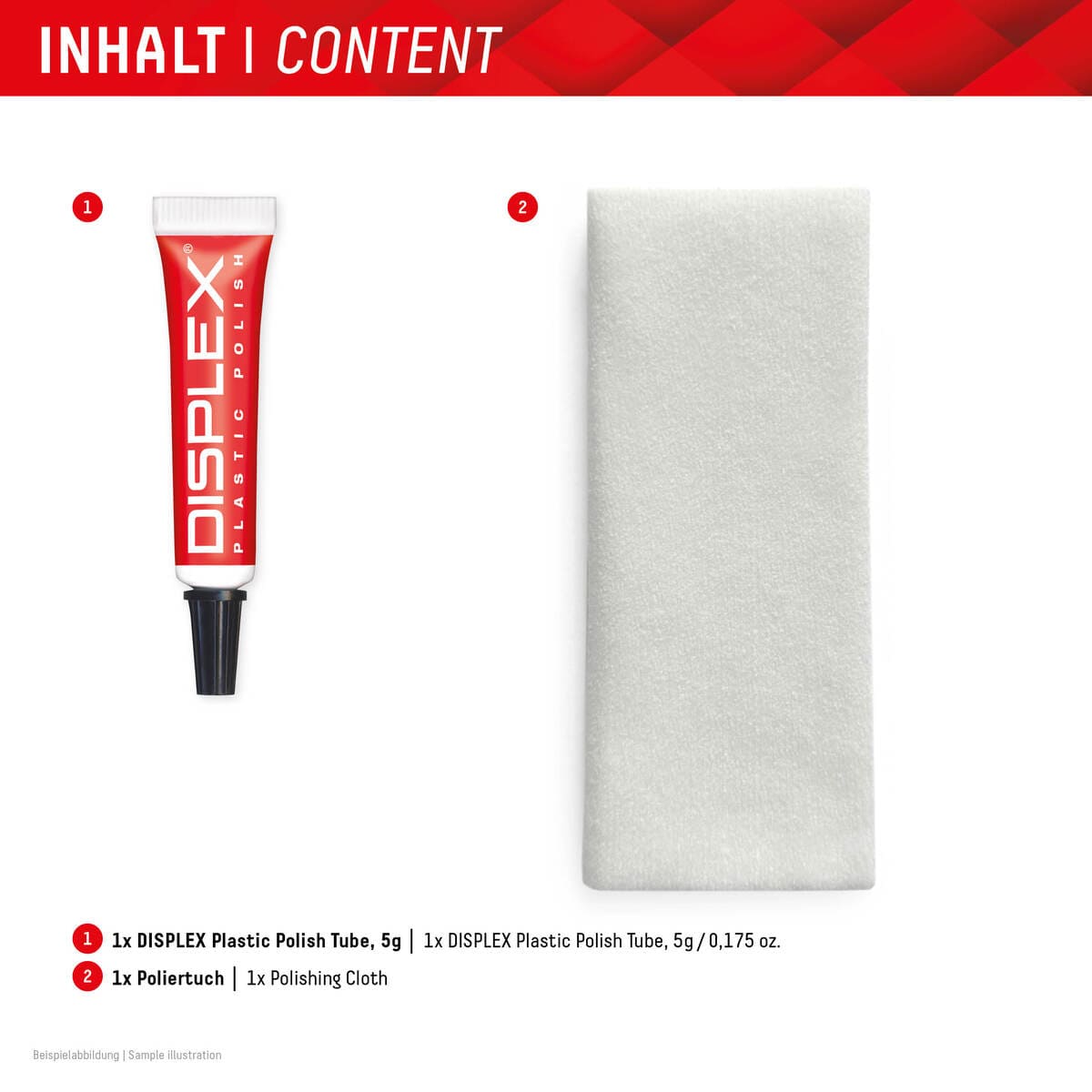
- 5 ml tube sufficient for approximately 10–12 applications
- Not suitable for touchscreens or polycarbonate surfaces
How to Use
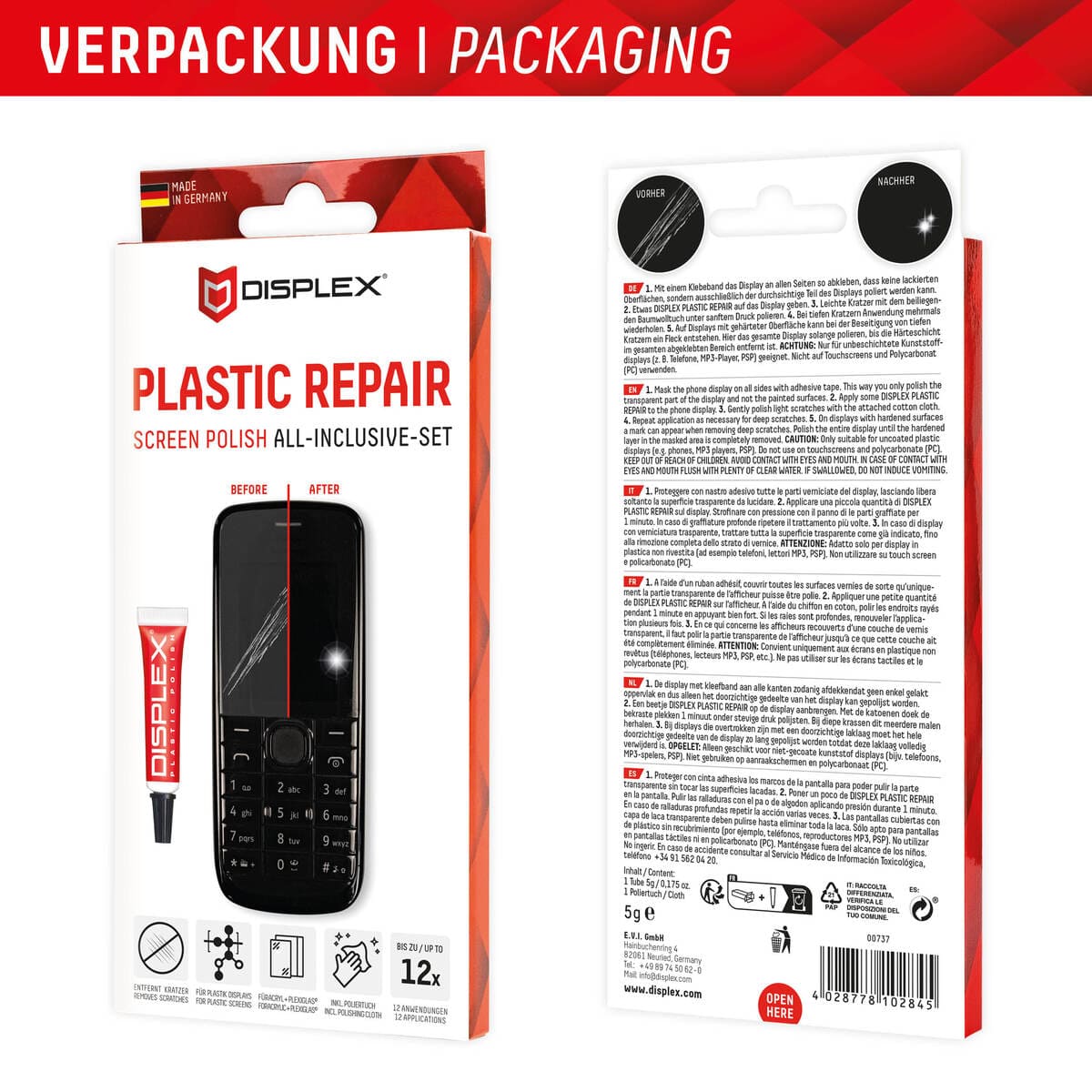
To effectively use the paste, first clean the surface to eliminate any dust and debris. Apply a small amount of the paste directly onto the scratched area and polish firmly for 2–3 minutes, working at a right angle to the scratches using a soft cloth or cotton. For deeper scratches, repeat the process as necessary. Finally, remove any remaining paste with a clean cloth for a clear finish.
Additional Information
For those interested in long-term protection against future scratches, DISPLEX also offers protective glass solutions with features like bubble-free installation and anti-fingerprint coatings, which are sold separately.
Bring back the shine and clarity of your device display with DISPLEX Scratch Repair Paste (DISPLEX Plastic Repair / Handy-Display Politur), a specialist polishing paste designed for uncoated plastic display surfaces such as plastic, acrylic, and Plexiglas®.
This paste is designed to reduce scratches and surface imperfections on compatible plastic displays, helping your screen look clearer and more refreshed—ideal for devices such as phones, MP3 players, PSP-style consoles, and similar plastic display windows (non-touch).
How to use
Clean the surface to remove dust and debris.
Apply a small amount of paste to the scratched area.
Polish firmly for 2–3 minutes, working at a right angle to the scratches, using a soft cloth or cotton.
For deeper scratches, repeat the process.
Remove remaining paste with a clean cloth.
5 ml is enough for approximately 10–12 applications (depending on scratch size and intensity).
Important compatibility note
For plastic displays only
Not suitable for touchscreens
Do not use on polycarbonate (PC)
Optional protection after polishing (brand context)
If you want to help prevent future scratches, DISPLEX also offers protective glass solutions with features such as bubble-free installation systems (EASY-ON® Eco mounting frame) and anti-fingerprint coatings—these are separate products and not part of the polish kit.
✅ DISPLEX Plastic Repair, Polishes Plastic Displays
Special polishing paste developed for uncoated plastic surfaces such as plastic, acrylic, and Plexiglas® displays.
✅ Effective Scratch Reduction, Clearer Display Look
Designed to remove or reduce visible scratches and improve clarity on devices like phones, MP3 players, and handheld consoles (non-touch displays).
✅ Quick DIY Application, Like-New Finish
Apply a small amount, polish, and wipe off—repeat for deeper marks until the desired result is achieved.
✅ Productive 5 ml Tube, Multiple Uses
5 ml is sufficient for up to about 12 applications, making it a practical maintenance essential.
✅ Compatibility Notice, Plastic Only
Not intended for touchscreens or polycarbonate (PC) surfaces.
UPC: 4028778102845






Reviews
There are no reviews yet.